
If you have spent your career working in SAS and are now facing a transition to Python, you are not alone. Thousands of data analysts across industries are making this same journey. The good news is that your analytical skills, domain knowledge, and data intuition transfer completely. What changes is the syntax and the tools you use to express those skills.
This guide is written specifically for SAS analysts who are new to Python. We will walk through setting up your environment, performing common data operations, and highlight the gotchas that trip up SAS users most often.
Setting Up Your Python Environment
In SAS, your environment is managed for you. You open SAS Enterprise Guide or SAS Studio, and everything is ready. Python requires a small amount of setup, but once configured, your environment is more flexible and portable.
Step 1: Install Anaconda
The easiest way to get started is to install Anaconda, a free Python distribution that includes pandas, NumPy, matplotlib, and hundreds of other data science packages. Download it from anaconda.com and follow the installer.
Step 2: Launch Jupyter Notebook
Jupyter Notebook is the closest Python equivalent to the SAS interactive environment. It lets you write code in cells, run them individually, and see results inline. Open Anaconda Navigator and click "Launch" under Jupyter Notebook.
Step 3: Import Your Libraries
At the top of every Python script or notebook, you import the libraries you need. For data analysis, your standard imports are:
import pandas as pd
import numpy as np
import matplotlib.pyplot as plt
from scipy import stats
Think of import pandas as pd as the Python equivalent of starting a SAS session with access to the DATA step and PROC SQL.

SAS to Python migration — automated end-to-end by MigryX
Reading Data: SAS vs. Python
One of the first things you do in any analysis is read data. Here is how common data reading tasks compare.
Reading a CSV File
SAS:
PROC IMPORT DATAFILE="/data/sales.csv"
    OUT=work.sales
    DBMS=CSV REPLACE;
    GUESSINGROWS=MAX;
RUN;
Python:
sales = pd.read_csv("/data/sales.csv")
That is it. One line. The pd.read_csv() function automatically detects column types, handles headers, and returns a DataFrame, which is the Python equivalent of a SAS dataset.
Reading a SAS Dataset
If you need to read existing SAS7BDAT files during migration, Python handles that natively:
sales = pd.read_sas("/data/sales.sas7bdat")
Reading from a Database
SAS:
LIBNAME mydb ORACLE USER=analyst PASSWORD=pass
    PATH=proddb SCHEMA=analytics;
DATA work.customers;
    SET mydb.customers;
RUN;
Python:
from sqlalchemy import create_engine
engine = create_engine("oracle://analyst:pass@proddb")
customers = pd.read_sql("SELECT * FROM analytics.customers", engine)
MigryX: Purpose-Built for Enterprise SAS Migration
MigryX was designed from the ground up for enterprise SAS migration. Its SAS parser understands every construct — DATA steps, PROC SQL, PROC SORT, PROC MEANS, PROC FREQ, PROC TRANSPOSE, macros, formats, informats, hash objects, arrays, ODS output, and even SAS/STAT procedures like PROC REG and PROC LOGISTIC. This is not a generic code translator — it is the most comprehensive SAS migration platform in the industry.
Basic Data Operations
Viewing Your Data
SAS: PROC PRINT DATA=sales (OBS=10); RUN;
Python: sales.head(10)
SAS: PROC CONTENTS DATA=sales; RUN;
Python: sales.info() and sales.describe()
Filtering Rows
SAS:
DATA high_sales;
    SET sales;
    WHERE amount > 1000 AND region = "West";
RUN;
Python:
high_sales = sales[(sales["amount"] > 1000) & (sales["region"] == "West")]
Gotcha: Comparison Operators
In SAS, you use AND and OR as logical operators. In Python (pandas), you must use & for AND and | for OR, and each condition must be wrapped in parentheses. This is one of the most common mistakes SAS analysts make when starting with Python.
Creating New Columns
SAS:
DATA sales;
    SET sales;
    profit = revenue - cost;
    margin = profit / revenue;
    IF margin > 0.3 THEN tier = "High";
    ELSE IF margin > 0.15 THEN tier = "Medium";
    ELSE tier = "Low";
RUN;
Python:
sales["profit"] = sales["revenue"] - sales["cost"]
sales["margin"] = sales["profit"] / sales["revenue"]
sales["tier"] = np.where(sales["margin"] > 0.3, "High",
                np.where(sales["margin"] > 0.15, "Medium", "Low"))
Sorting Data
SAS: PROC SORT DATA=sales; BY DESCENDING amount; RUN;
Python: sales = sales.sort_values("amount", ascending=False)
Merging Datasets
Merging is one of the most common operations, and it works differently enough to warrant attention.
SAS:
PROC SORT DATA=orders; BY customer_id; RUN;
PROC SORT DATA=customers; BY customer_id; RUN;
DATA combined;
    MERGE orders (IN=a) customers (IN=b);
    BY customer_id;
    IF a AND b;
RUN;
Python:
combined = pd.merge(orders, customers, on="customer_id", how="inner")
The Python version is more concise and does not require pre-sorting. The how parameter controls the join type: "inner", "left", "right", or "outer".
Aggregation and Summary Statistics
SAS:
PROC MEANS DATA=sales N MEAN STD MIN MAX;
    VAR amount;
    CLASS region;
RUN;
Python:
sales.groupby("region")["amount"].agg(["count", "mean", "std", "min", "max"])
For frequency tables, the equivalence is equally direct:
SAS: PROC FREQ DATA=sales; TABLES region; RUN;
Python: sales["region"].value_counts()
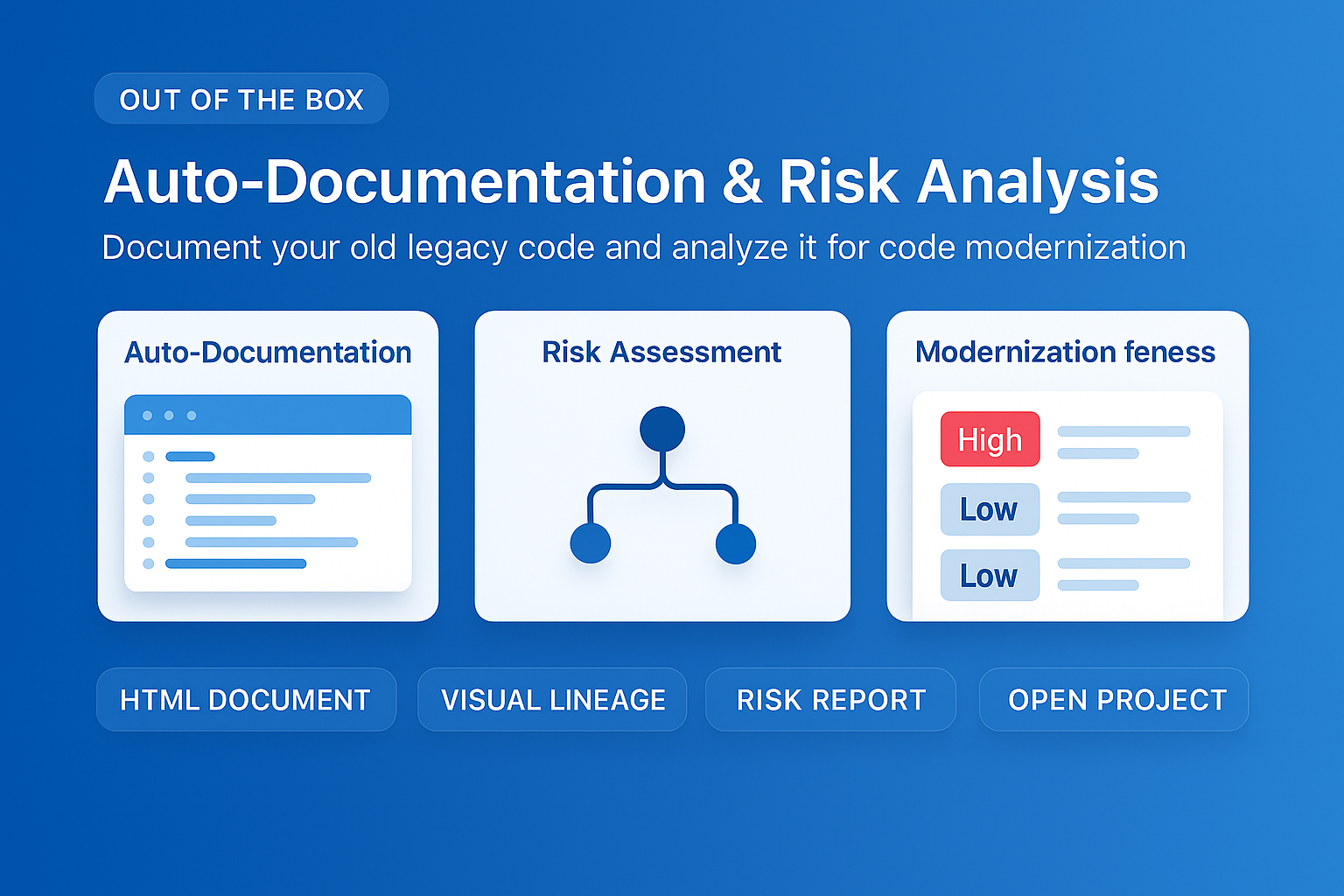
MigryX auto-documentation captures every transformation decision, creating audit-ready migration records automatically
How MigryX Handles the Hard Parts of SAS Migration
Every SAS shop has code that makes migration teams nervous — deeply nested macros that generate dynamic code, DATA step merge logic with complex BY-group processing, hash object lookups, RETAIN statements that carry state across rows, and PROC IML matrix operations. These are exactly the constructs where MigryX excels. Its combination of deterministic AST parsing and Merlin AI means even the most complex SAS patterns are converted accurately.
Statistical Functions
SAS analysts often rely on statistical procedures. Here are the most common mappings:
| SAS Procedure | Python Equivalent | Library |
|---|---|---|
| PROC MEANS | df.describe() / df.groupby().agg() | pandas |
| PROC FREQ | pd.crosstab() / value_counts() | pandas |
| PROC CORR | df.corr() | pandas |
| PROC REG | sm.OLS() | statsmodels |
| PROC LOGISTIC | sm.Logit() | statsmodels |
| PROC TTEST | stats.ttest_ind() | scipy |
| PROC UNIVARIATE | df.describe() + stats.shapiro() | pandas + scipy |
| PROC SGPLOT | plt.plot() / sns.lineplot() | matplotlib / seaborn |
Running a Linear Regression
SAS:
PROC REG DATA=sales;
    MODEL revenue = advertising employees;
RUN;
Python:
import statsmodels.api as sm
X = sales[["advertising", "employees"]]
X = sm.add_constant(X)
y = sales["revenue"]
model = sm.OLS(y, X).fit()
print(model.summary())
The model.summary() output is remarkably similar to SAS PROC REG output, showing R-squared, coefficients, standard errors, t-values, and p-values.
Visualization
SAS offers PROC SGPLOT for graphics. Python provides multiple visualization libraries, with matplotlib and seaborn being the most common starting points.
SAS:
PROC SGPLOT DATA=sales;
    SCATTER X=advertising Y=revenue;
RUN;
Python:
import seaborn as sns
sns.scatterplot(data=sales, x="advertising", y="revenue")
plt.title("Revenue vs Advertising Spend")
plt.show()
Common Gotchas for SAS Analysts
Based on our experience helping thousands of analysts transition, these are the most frequent stumbling points:
- Zero-based indexing: Python counts from 0, not 1. The first row is index 0, the first element of a list is
list[0]. - Missing values: SAS uses a period (
.) for missing numeric values. Python usesNaN(Not a Number). Check withpd.isna()ordf.isnull(), never with== NaN. - Case sensitivity: SAS is case-insensitive. Python is case-sensitive.
Sales,sales, andSALESare three different variables. - In-place vs. copy: Many pandas operations return a new DataFrame rather than modifying the original. Always assign the result back:
df = df.sort_values("col"). - String quoting: Python accepts both single quotes (
'text') and double quotes ("text"). SAS uses double quotes for resolved macro variables and single quotes for literals. In Python, they are interchangeable. - Semicolons: SAS requires semicolons to end every statement. Python uses line breaks. If you catch yourself adding semicolons, do not worry -- Python ignores trailing semicolons, but they are not needed.
The biggest mistake SAS analysts make is trying to write SAS in Python. Embrace the Python way of doing things, and you will find it is often more concise and readable than what you are used to.
Your Next Steps
Start small. Pick a simple SAS program you know well and try to recreate it in Python. Use this guide as a reference. Do not aim for perfection on day one. The pandas documentation is excellent, and Stack Overflow has answers to virtually every question a beginner might have.
As your confidence grows, explore more advanced topics: pivot tables with pd.pivot_table(), window functions with df.rolling(), and data pipelines with method chaining. The Python ecosystem rewards curiosity, and the skills you build will open doors that SAS alone cannot.
Why Every SAS Migration Needs MigryX
The challenges described throughout this article are exactly what MigryX was built to solve. Here is how MigryX transforms this process:
- Complete SAS coverage: MigryX handles every SAS construct — DATA steps, PROC SQL, macros, formats, hash objects, arrays, ODS, and 20+ PROCs.
- 4-8x faster than manual: What takes consulting teams months of manual conversion, MigryX accomplishes in weeks with higher accuracy.
- 60-85% cost reduction: Enterprises report dramatic cost savings compared to manual migration approaches.
- Production-ready output: MigryX generates clean, idiomatic Python, PySpark, Snowpark, or SQL — not rough drafts that need extensive rework.
MigryX combines precision AST parsing with Merlin AI to deliver 99% accurate, production-ready migration — turning what used to be a multi-year manual effort into a streamlined, validated process. See it in action.
Ready to modernize your legacy code?
See how MigryX automates migration with precision, speed, and trust.
Schedule a Demo